
The right DXF, ready to cut.
Cotacut nests your parts on your sheets, checks every gap and writes one cutting DXF per sheet: in cut order, on the layers your machine expects, with arcs and holes intact. Offline, no account, paid once.
Sheet
Parts
A simplified demonstration, in your browser: each part sits in its bounding rectangle, washers go into the flange bores. Cotacut itself nests on the true shape of the parts and checks every gap.
Try it here.
Cutting, series, unfolding, shapes and material cost, as in Cotacut, plus rolled and formed parts. Each tab keeps a screenshot of the real software.
Cut length
—
Pierces
—
Estimated time
—
See the screenshot of the real software
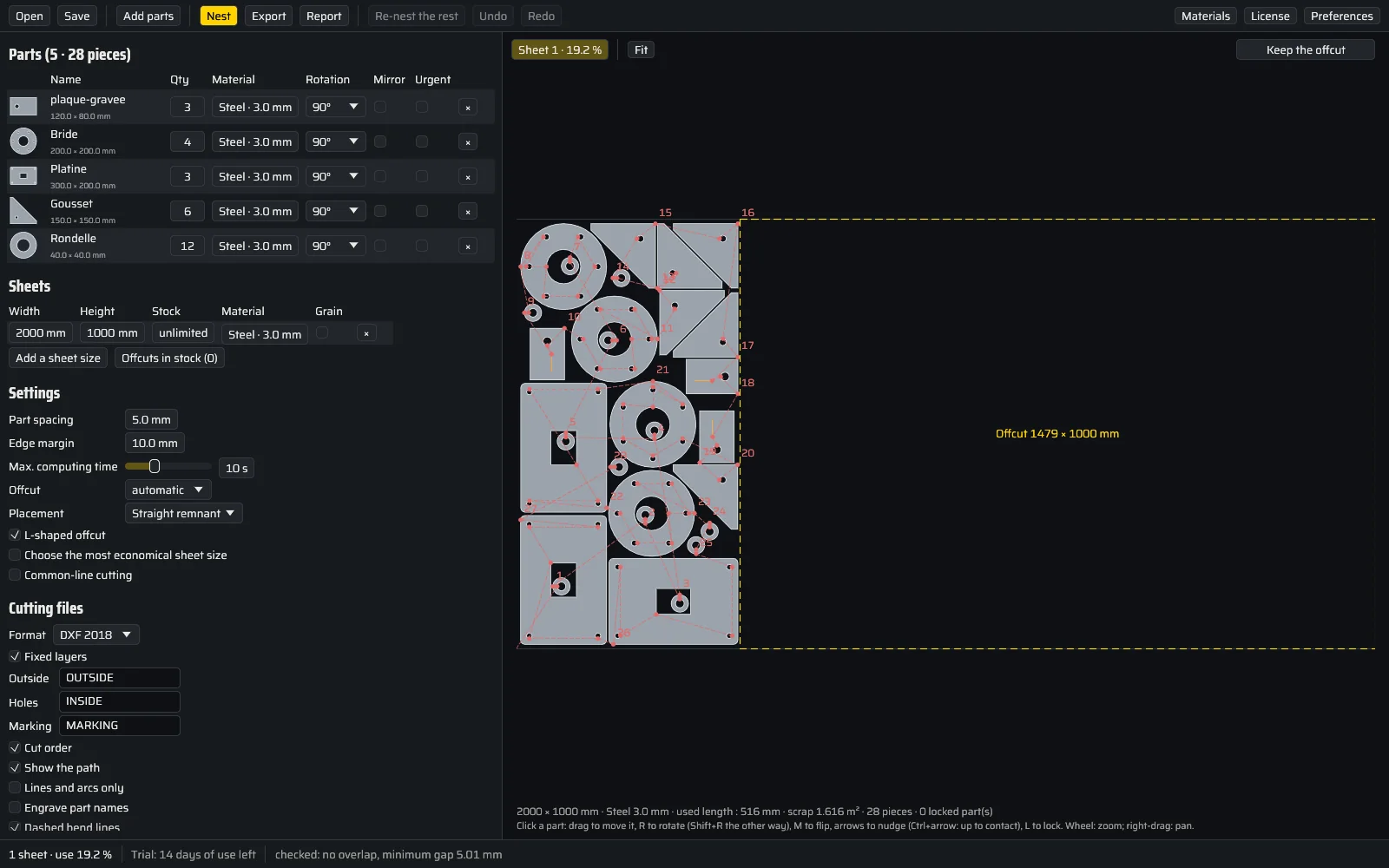
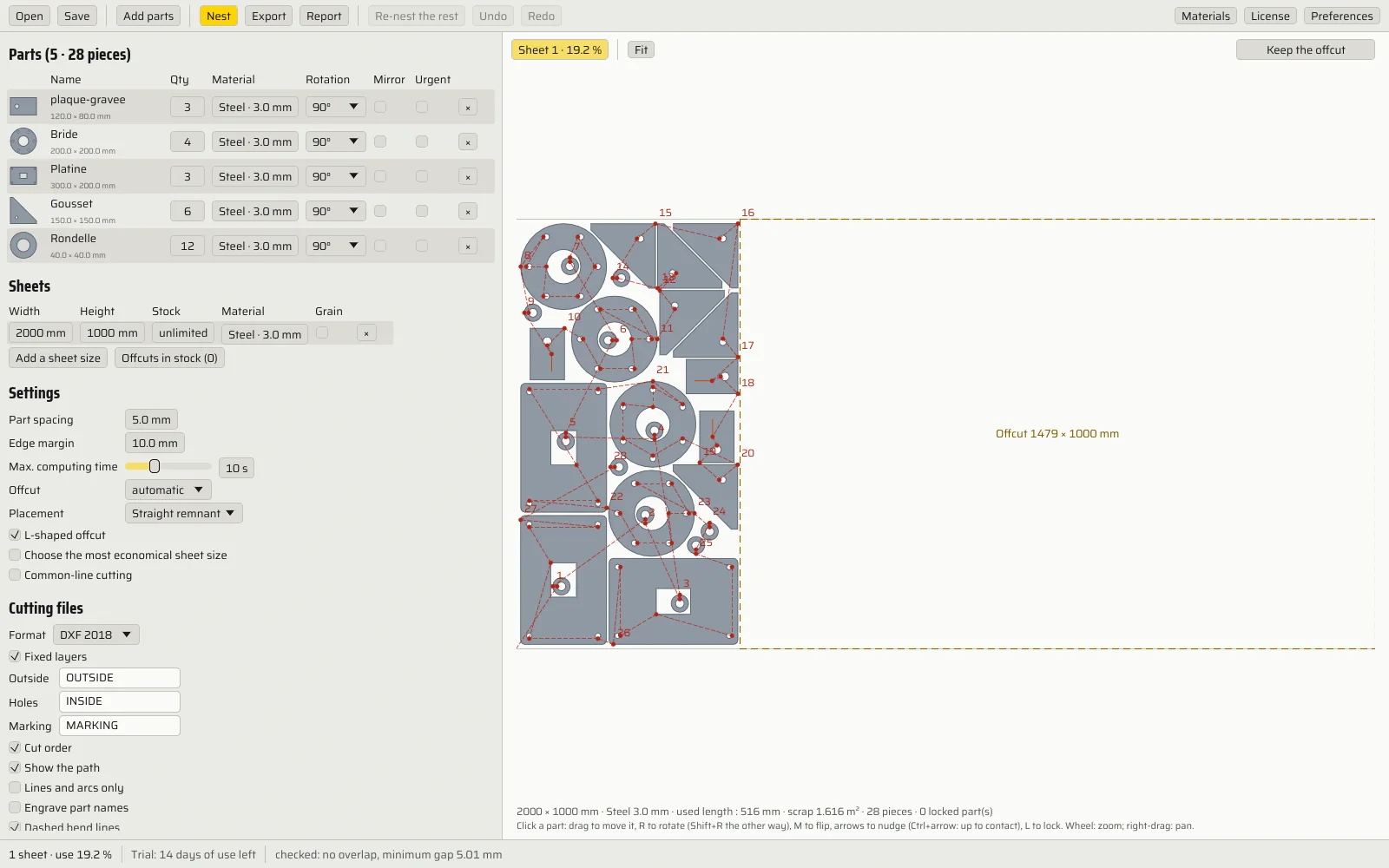
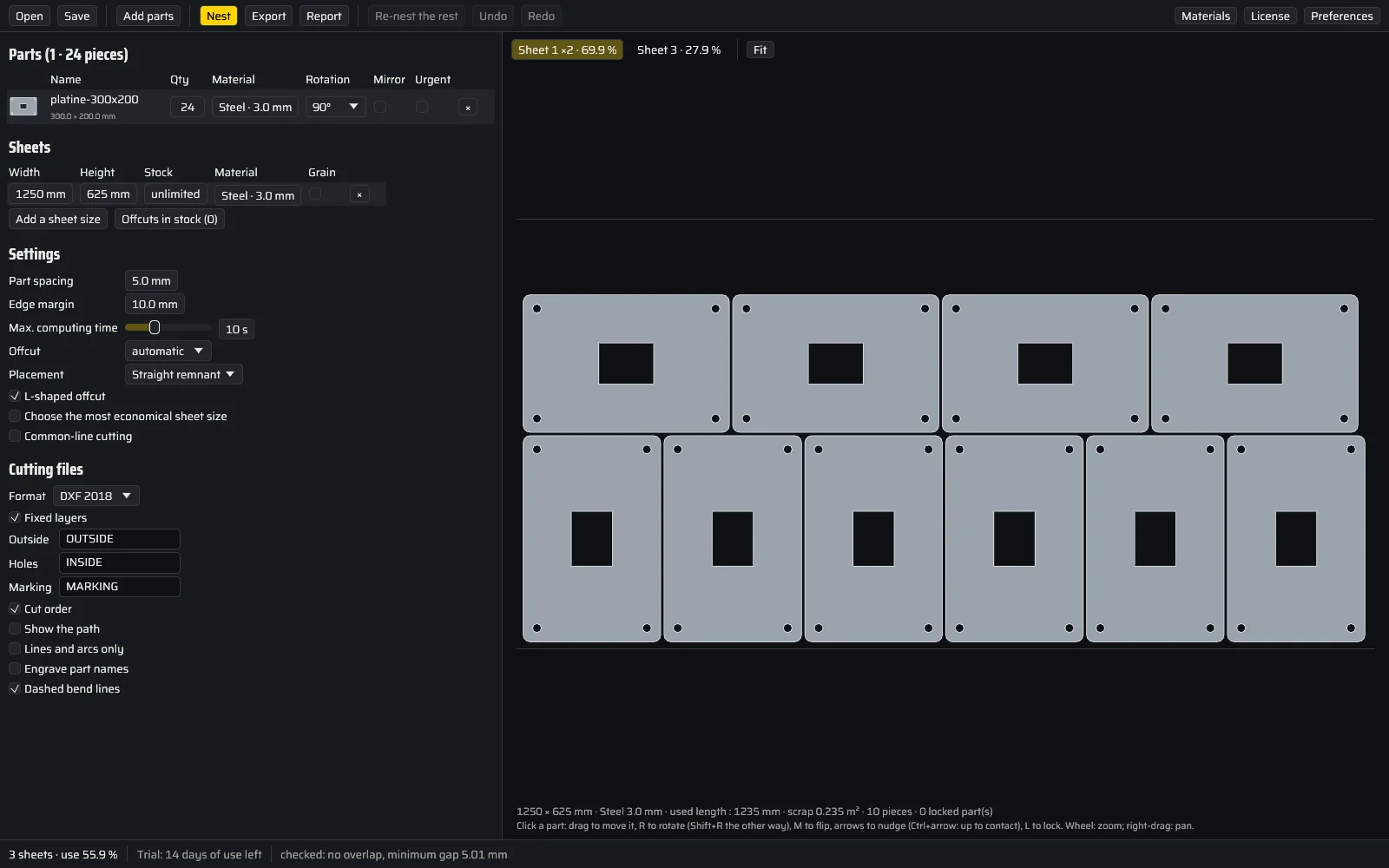
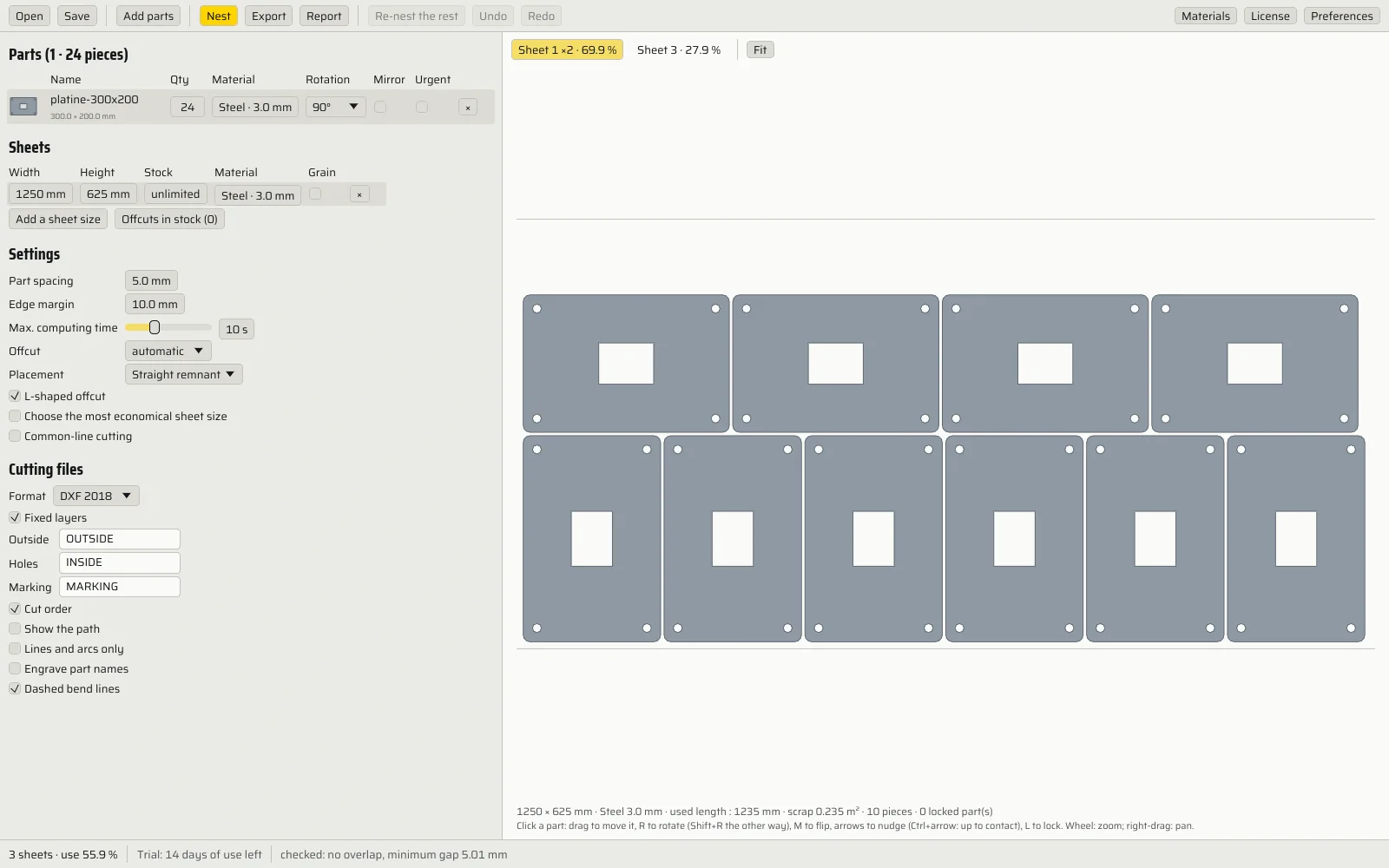
Plates 300 × 200
8 plates per 1250 × 625 sheet
Cutting files
Report pages
See the screenshot of the real software
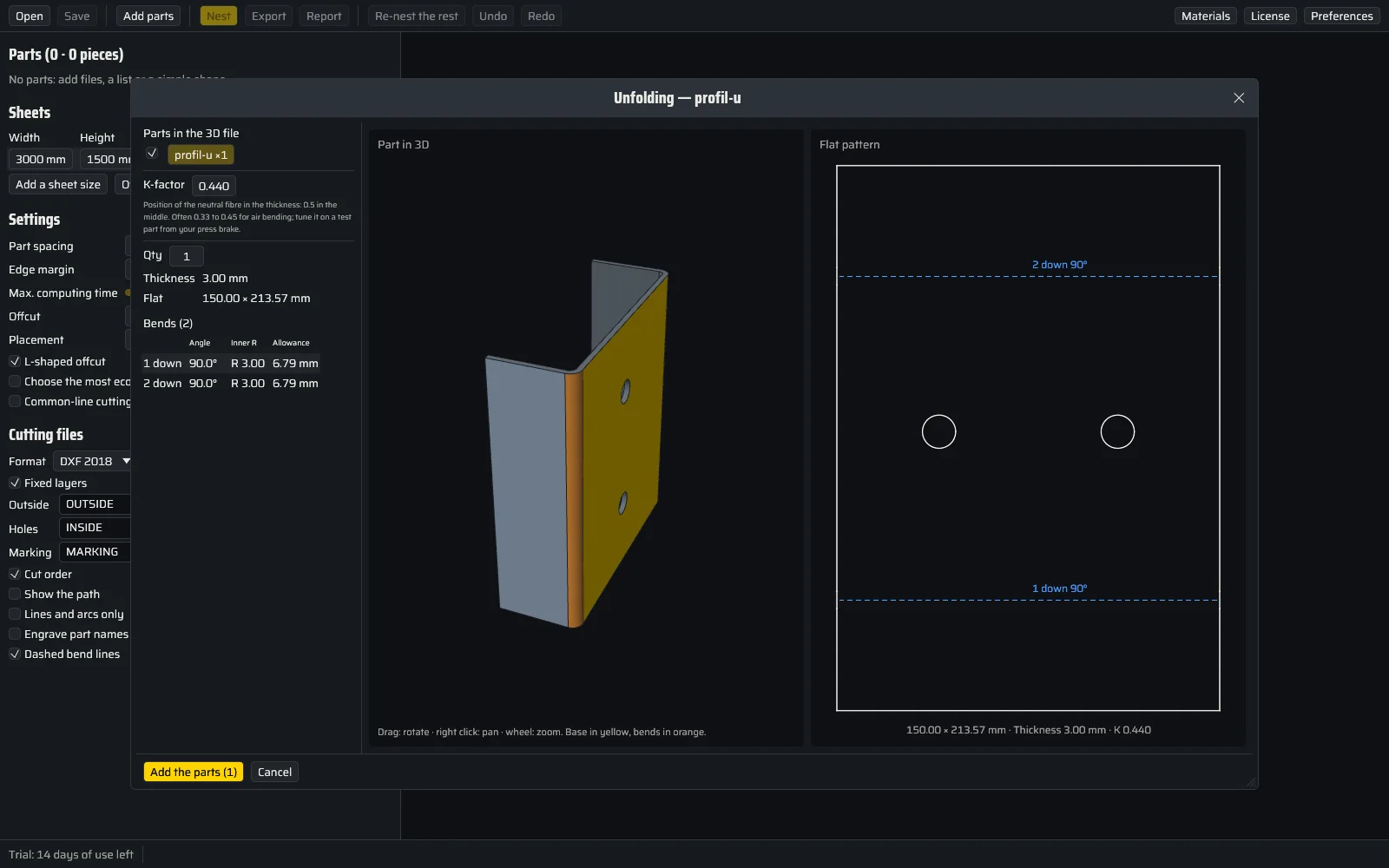
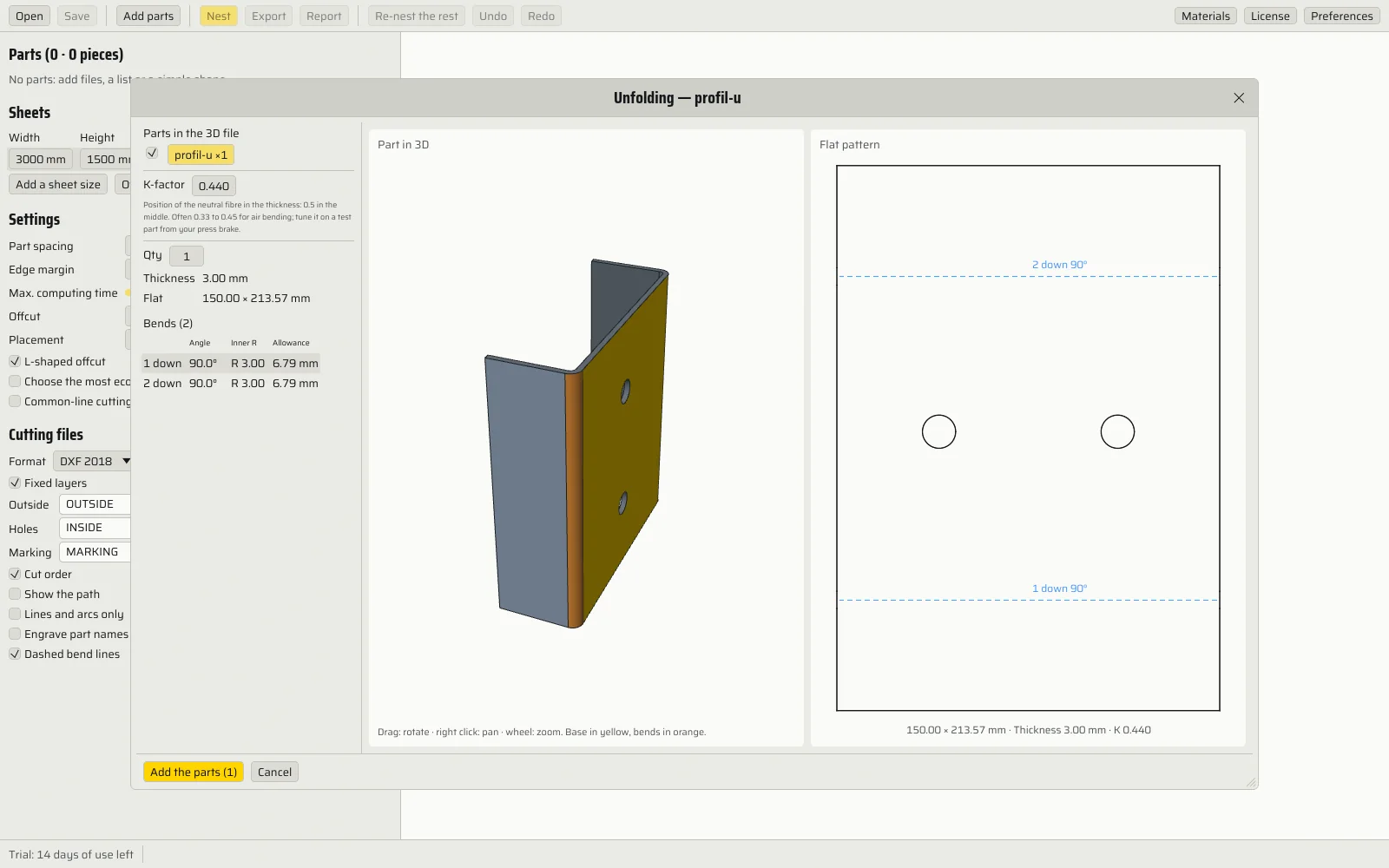
Flat
Bends
See the screenshot of the real software
Net area
Mass (3 mm steel)
See the screenshot of the real software
| Material | Density (g/cm³) | Price (€/kg) |
|---|---|---|
Parts mass
Sheet mass
Parts cost
Offcut cost
See the screenshot of the real software
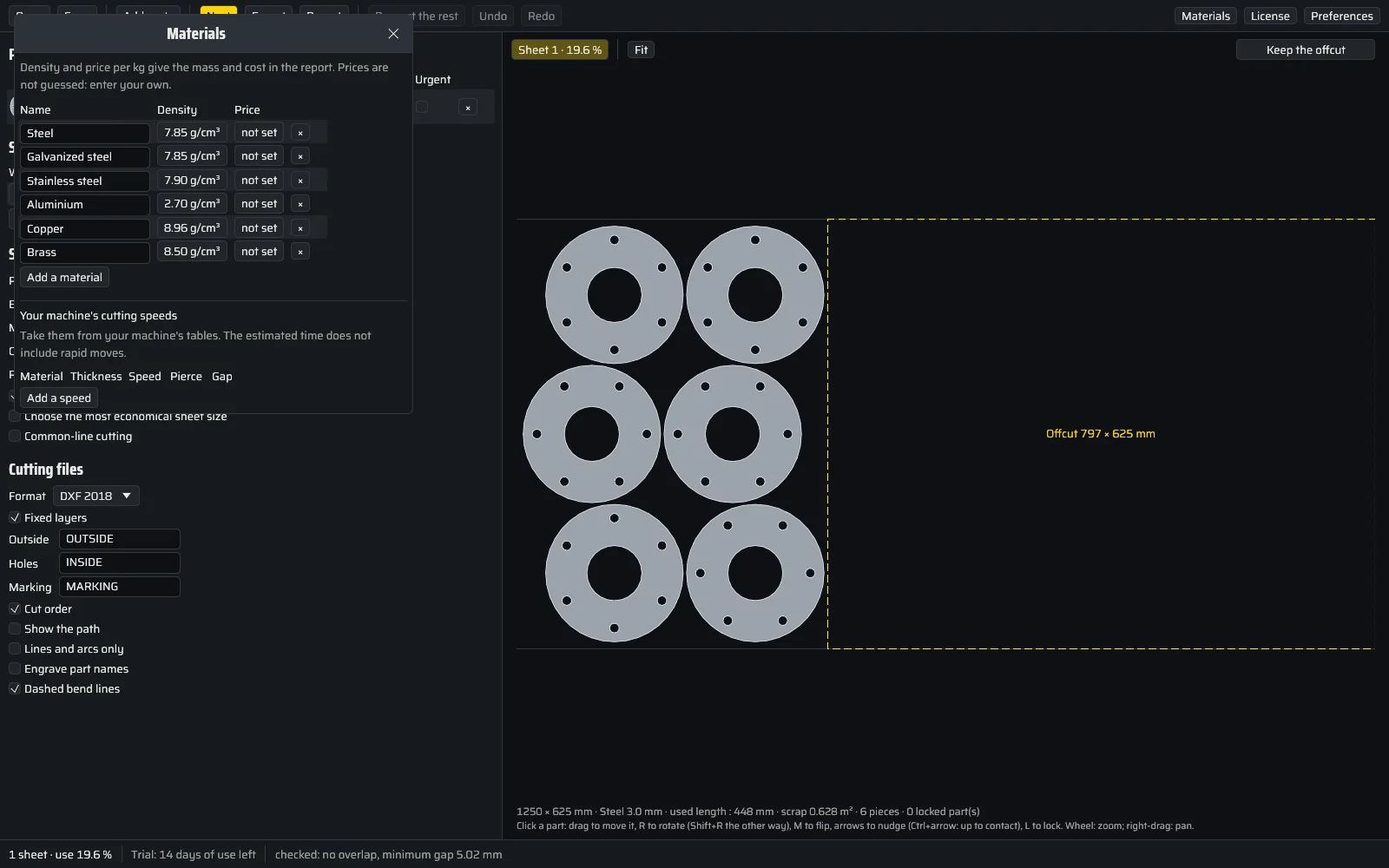
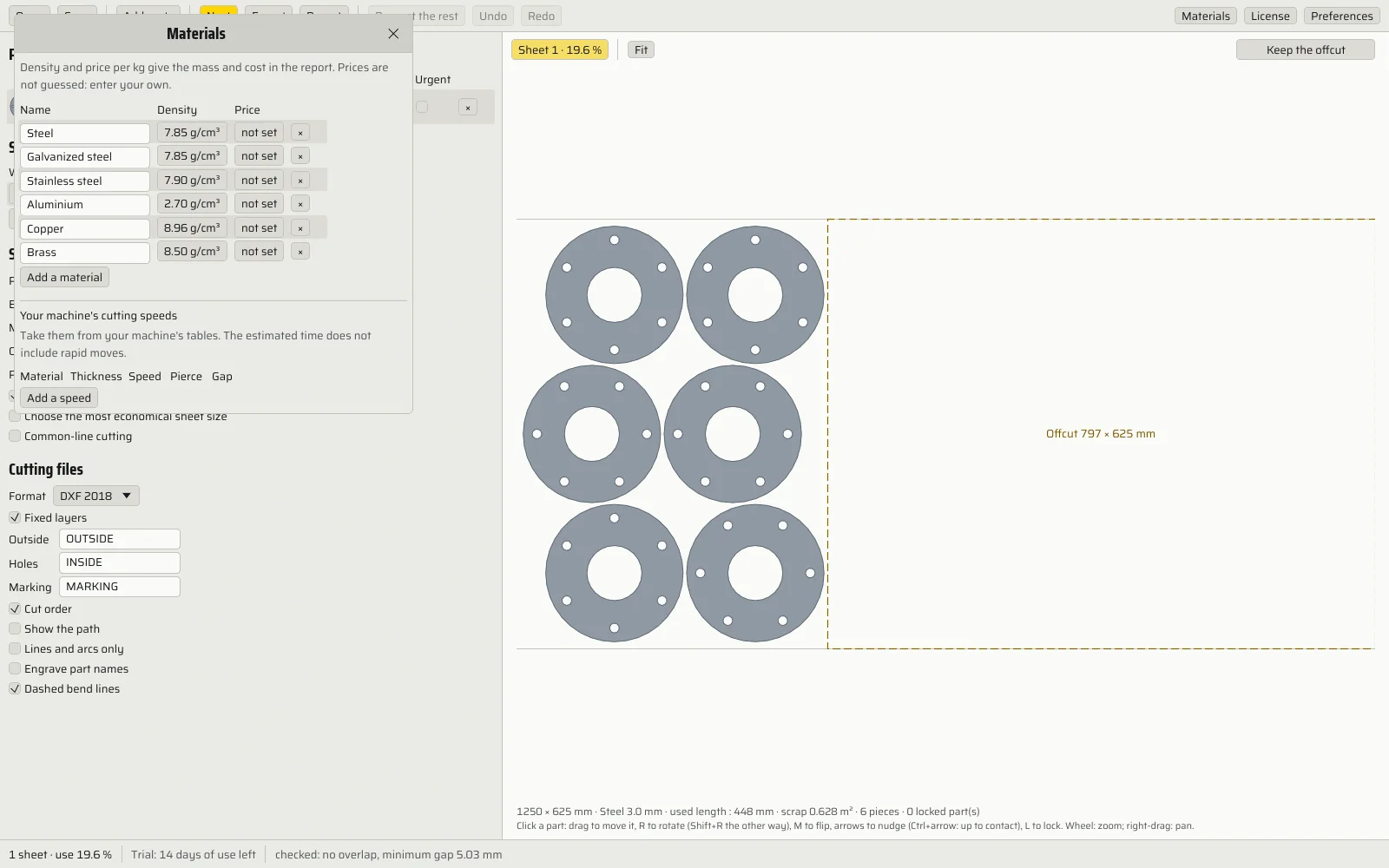
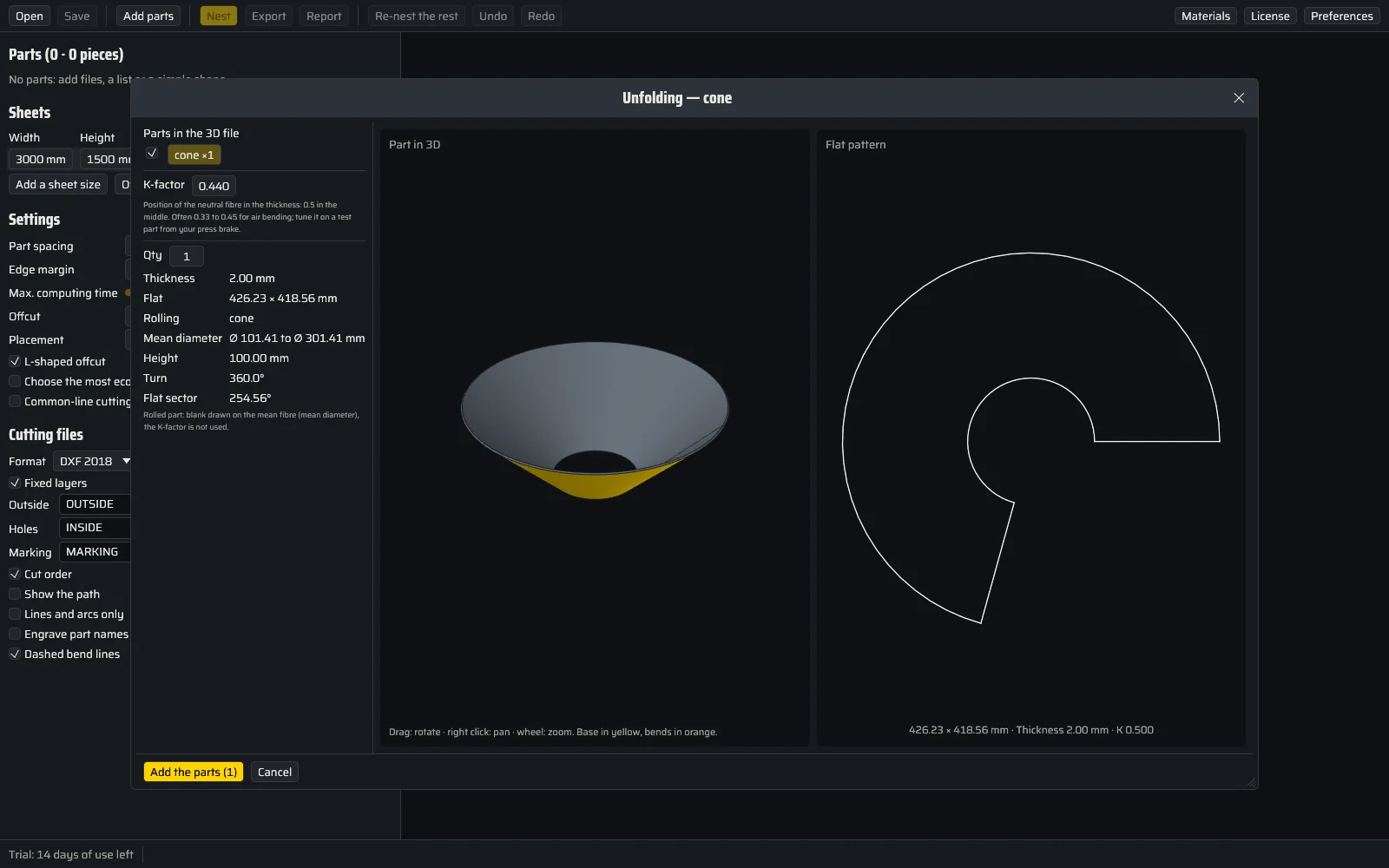
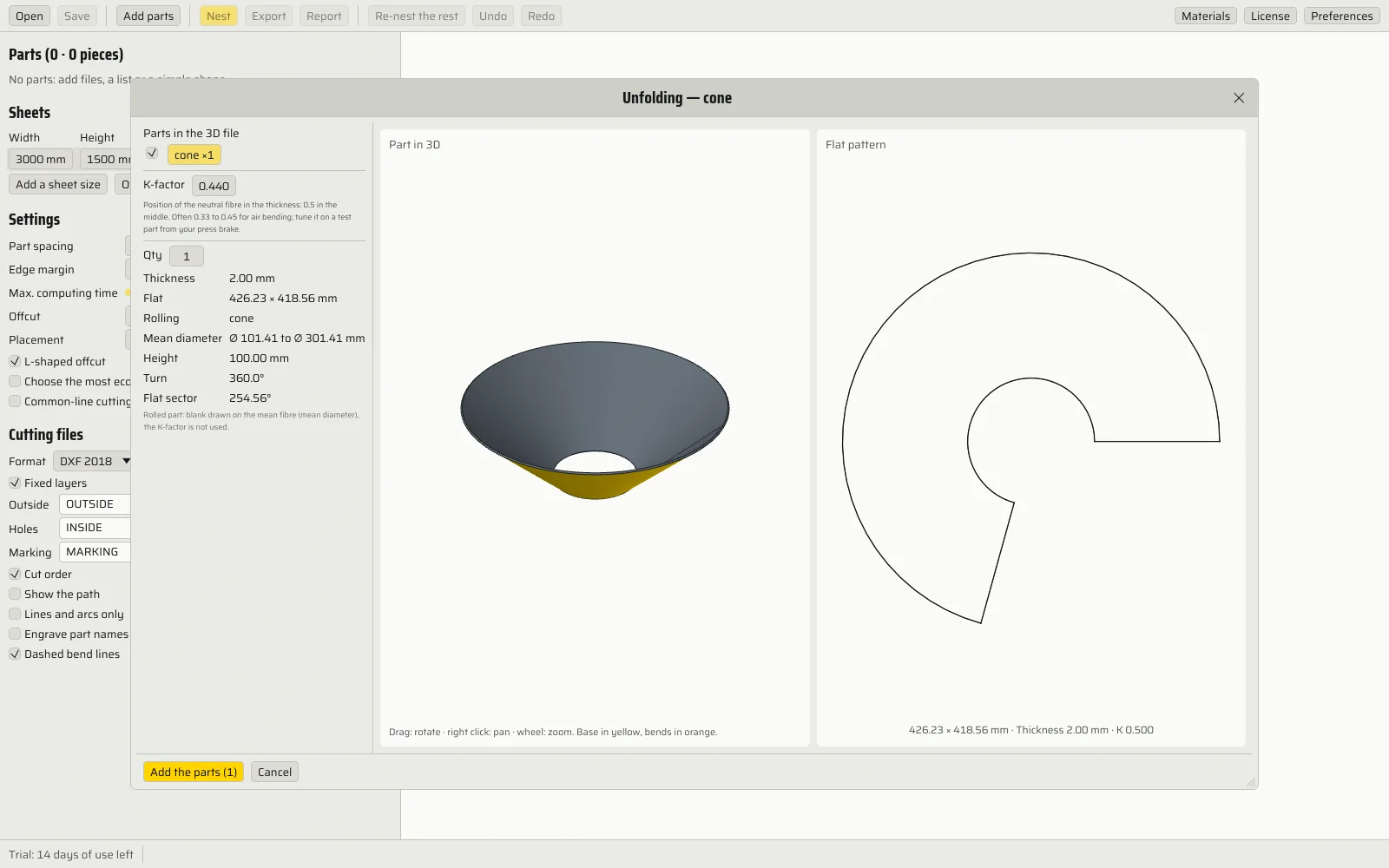
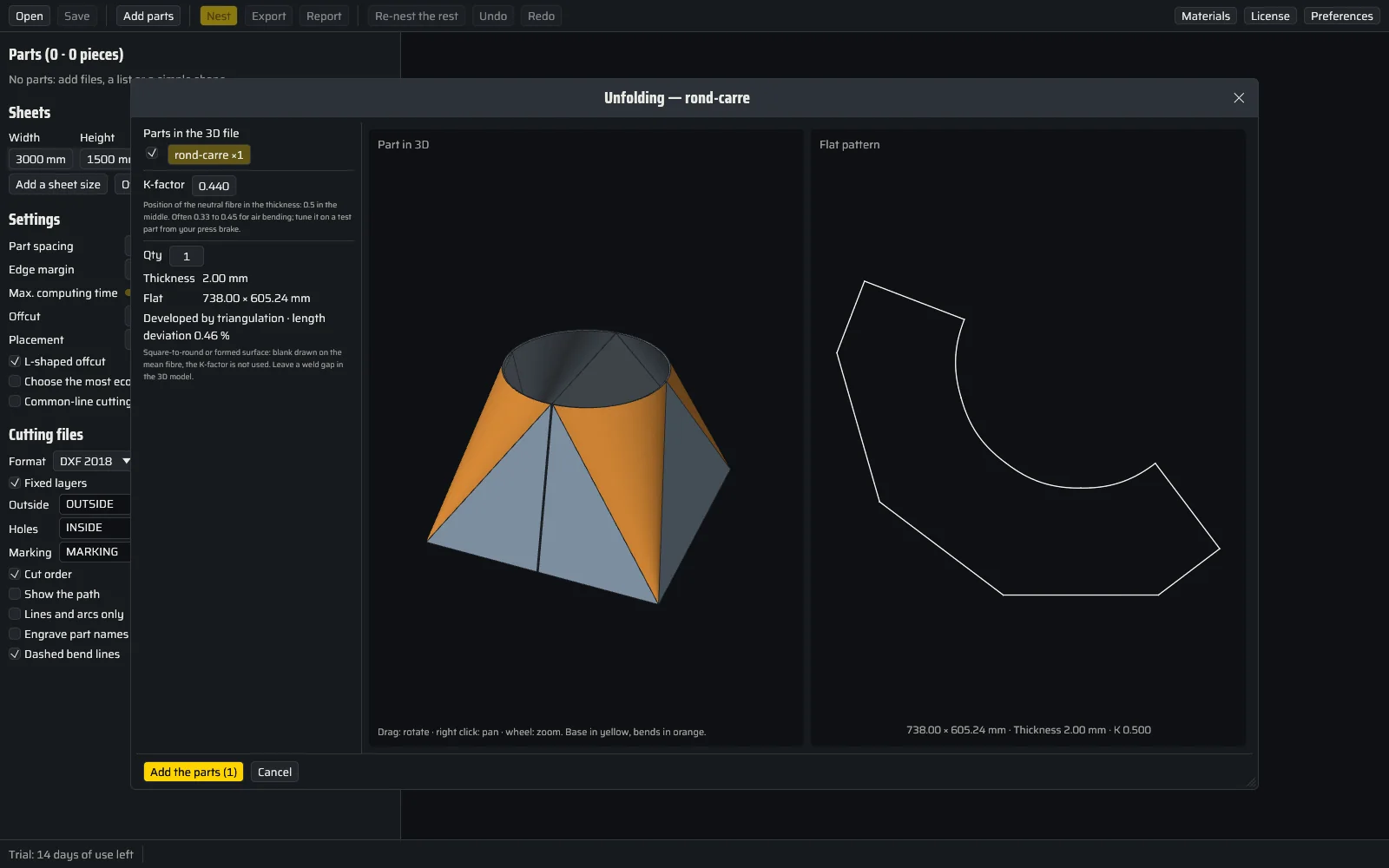
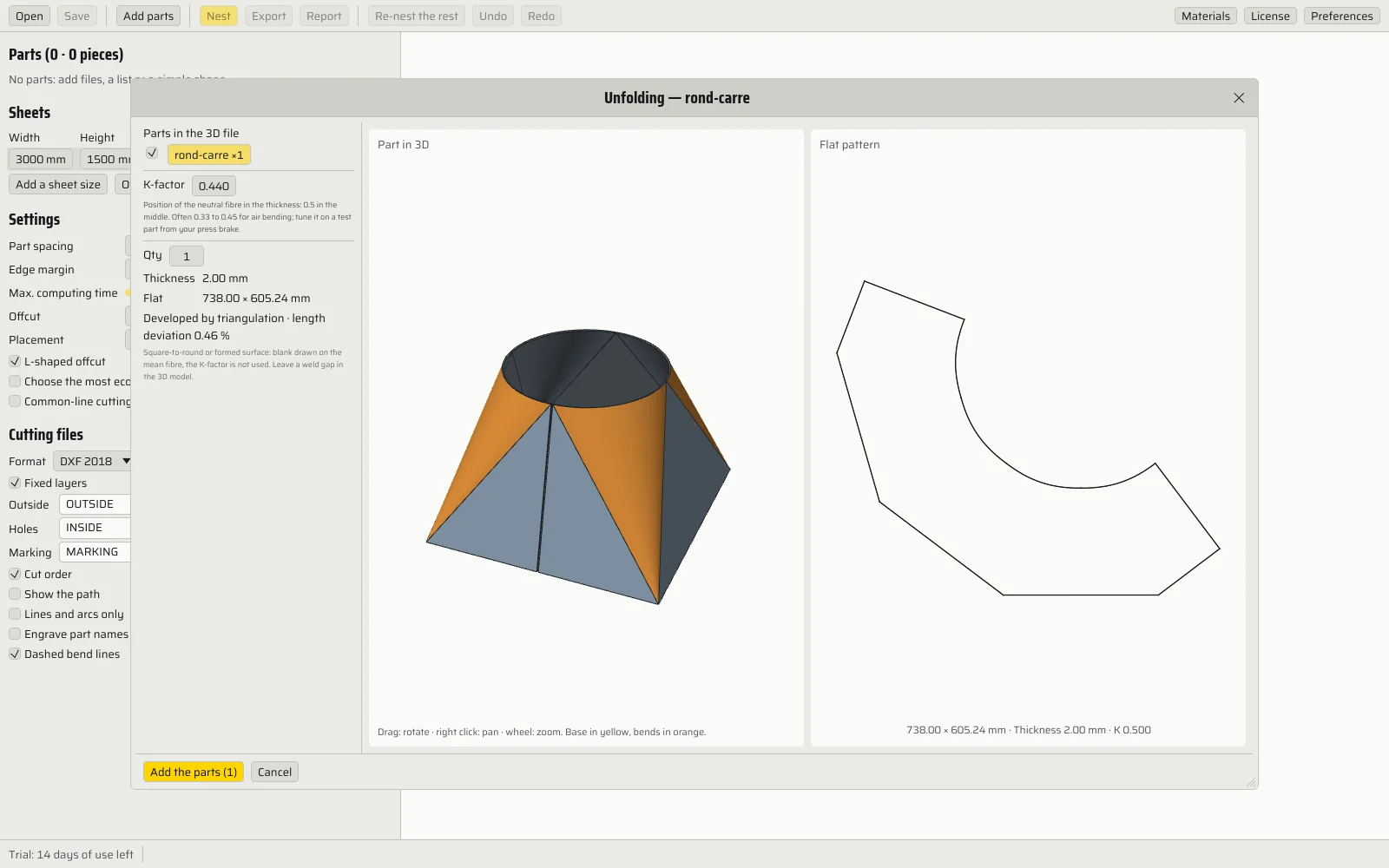
Demonstrations in your browser, on sample parts; Cotacut does the same on your own files.
Three steps, no more.
- Add
Drop your parts
DXF, DWG, SVG or PDF files, a CSV list from your design office, or your sheet metal parts as STEP or IGES, bent, rolled or formed: Cotacut unfolds them. Open contours are repaired, dimensions and drawing frames set aside. The quantity is read from the file name (for example "flange_x12.dxf") or from a text in the drawing.
- Nest
Set, run
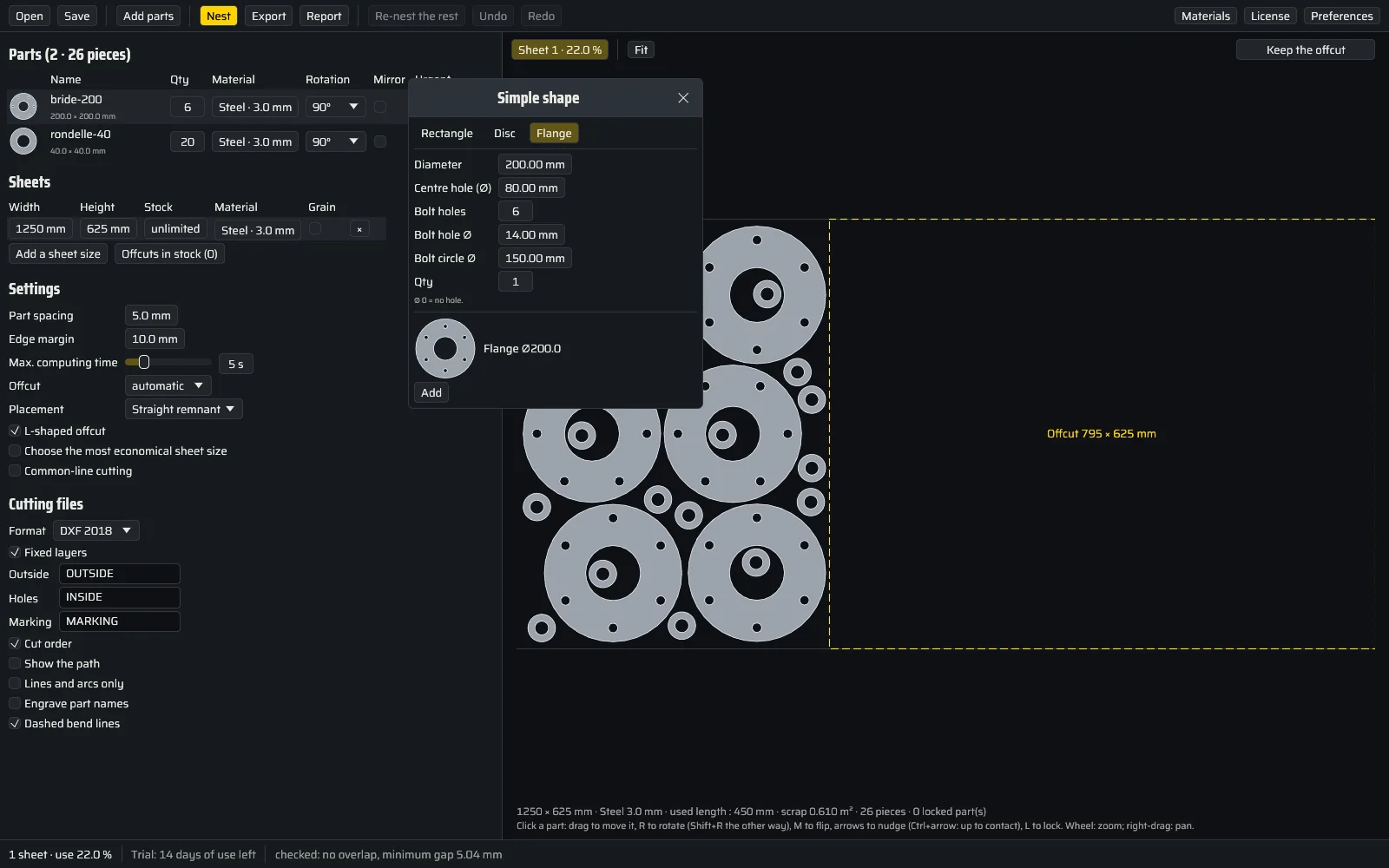
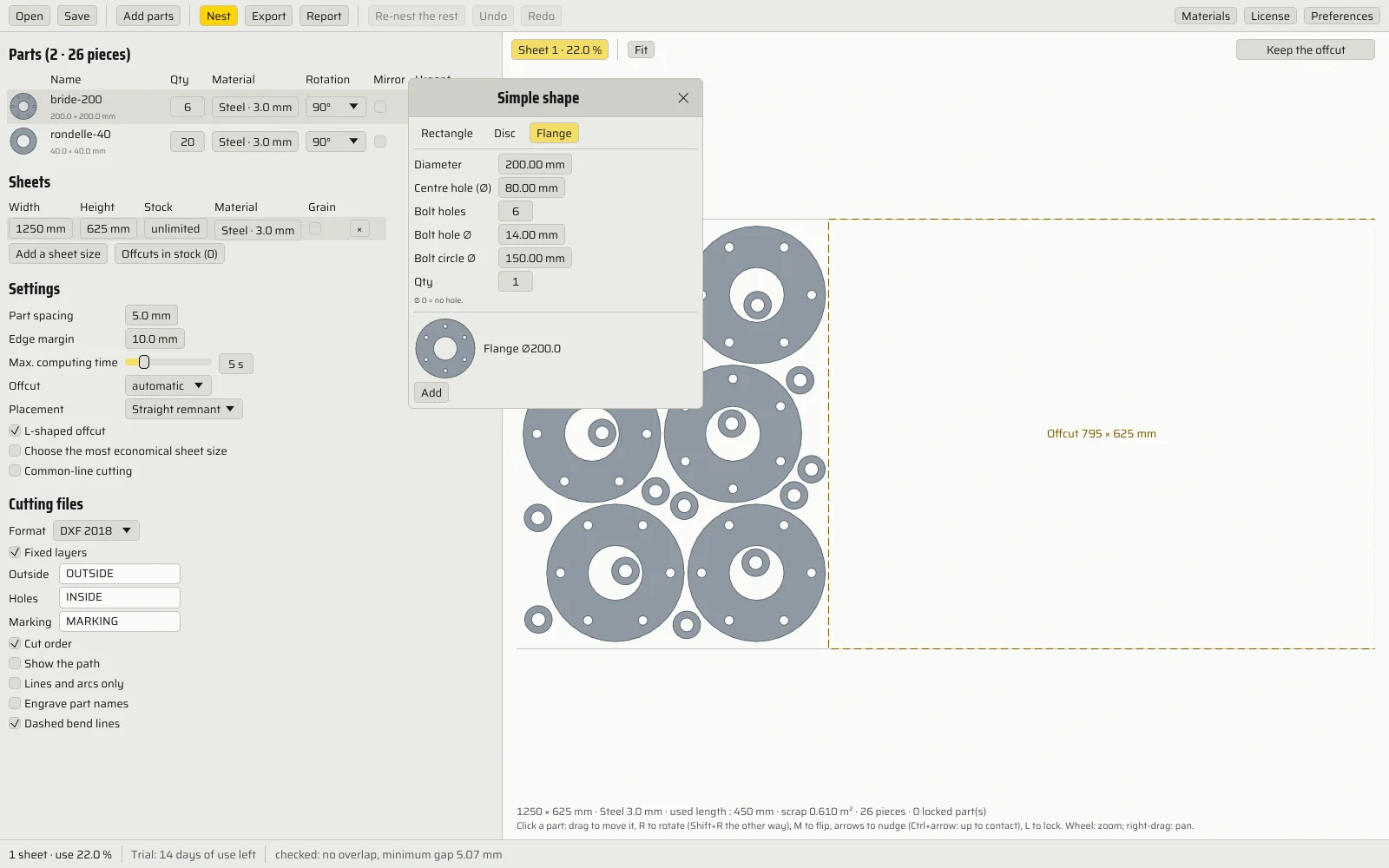
Quantities, sheets, gap and margin. Small parts go into the holes of large ones, each material on its own sheet. A part in the wrong place? Drag it, rotate it, flip it, push it into contact or type its position, lock it, then "Re-nest the rest": everything is checked.
- Export
One DXF per sheet
From R12 to 2018, or an SVG. For the shop floor: the report to print and the parts list in Excel.
What matters on the shop floor.
What Cotacut does, measured on real files where possible.
- 0 overlap
Every result checked
After each run and each manual edit, the gap between parts is measured on the exact geometry, arcs included.
- arcs kept
Your parts' DXF, not a copy in segments
Arcs, circles, holes, layers and colours come out as they went in, only moved and rotated.
- 94 %
Tight nests
94 % of the density of the best published solutions on the ESICUP benchmark sets, in 30 seconds per set.
- cut order
A DXF already sorted for cutting
Marking, then holes, then each part's outline; a part nested in a hole before its host; nearest next. The path shows on the sheet.
- 3D unfolding
Your bent parts, unfolded
A STEP or IGES file from SolidWorks, Inventor or Fusion (the separate faces of an IGES file are stitched back together): Cotacut finds the thickness and the bends, and unfolds on the neutral fibre with your K-factor. Dashed bend lines for marking.
- R12 → 2018
The format your machine reads
DXF from 2018 to 2000, R12 for older controllers, lines and arcs only if needed, or SVG. Outlines, holes and marking each on their own layer; part names engraved in a single-stroke font, shrunk if they do not fit.
- ×n
Identical sheets grouped
Three identical sheets, one file and one report page. Common-line cutting shares the cut between two neighbouring parts.
- grain
Brushed stainless respected
On a grained sheet, parts keep the direction of their drawing: half turn allowed, never flipped.
- part in part
Holes are not wasted
Washers and small parts fit into the bores and windows of large ones.
- offcuts
Offcuts kept and reused
The offcut at the end of a sheet, straight or L-shaped, goes to stock, from one project to the next, and is used first.
- PDF · Excel
Report for the shop floor
One page per sheet with numbered parts; scrap, cut length, pierces, mass, cost and time with your own values. On-screen preview before the PDF or printing, parts list in Excel.
- 0 bytes
Your drawings stay with you
No account, no cloud. Cotacut works offline.
- FR · EN
In English or French
The software, its help and its reports, in your language. Material names too.
- shells · cones
Rolled parts
Shells and hopper or reducing cones, whole or in sectors: exact blank on the mean diameter, with the diameters, the height, the circumference and the flat sector angle.
- square-to-round
Formed surfaces
Square-to-round transitions and other formed parts, developed by triangulation on the mean fibre. A pressed part, or a closed one without a weld gap, is refused with a clear message.
- editing
By hand, when needed
Rotate, flip, push into contact, lock, then "Re-nest the rest" around the parts you placed.
- settings
Nesting your way
Urgent parts first, scrap side, most profitable sheet size, placement strategies, gap per material.
- preferences
Your starting values
Language, dark or light background, sheet, gap, margin, computing time, size, K-factor. Autosave and backup copy.
Paid once. Nothing to cancel.
Full 14-day trial, counted in days of use, with no credit card: only the days you open Cotacut count. Refunded within 30 days, no questions asked.
€99.99Solo · excl. VAT, once · launch price
- Everything: nesting, manual editing, DXF and SVG export, report, printing, offcuts, unfolding
- 1 person, 2 computers
- All 1.x versions included
VAT added at checkout · then €149 excl. VAT
What people ask us.
Does Cotacut drive my machine?
No. Cotacut writes one clean DXF per sheet, which you open in the software that came with your machine (laser, plasma, waterjet) for toolpaths and cutting. No G-code.
My parts are drawn in 3D, bent.
Drop the STEP or IGES file into Cotacut: it shows the part in 3D next to its flat pattern, with each bend (angle, radius, direction). Set your press brake's K-factor, then add the flat part to the nest.
I have shells and cones to lay out.
Drop the rolled part as STEP or IGES: a shell, a hopper or reducing cone, whole or in sectors. Cotacut draws the exact blank on the mean diameter and shows the diameters, the height, the circumference and the flat sector angle. A square-to-round is developed by triangulation; a pressed part, which cannot be laid flat, is refused with the reason.
My machine only reads old DXF files.
Choose DXF R12 under "Cutting files", and if needed "Lines and arcs only": no polylines, just lines and arcs.
My CAM software expects its own layers.
Outer outlines, holes and marking each come out on their own layer, with the names you type. You can also keep your files' layers.
My parts list is in Excel.
Save it as CSV: name, file, quantity, and optionally material and thickness. Drop the list into Cotacut: every part arrives with its quantity.
My parts are drawn in inches, or with no unit.
Cotacut reads the file's unit. If it is missing, it asks you, showing the part's dimensions.
Are my files sent anywhere?
No. Nothing leaves your PC.
What happens after the 14 days?
Cotacut switches to Reader mode: you can still open and save your projects. Nesting, editing and exporting need a licence.