
Open the drawing. Take the measure.
Cotavue reads your DXF, DWG and PDF drawings and your STEP, IGES and STL models on your PC, and measures them right away. No account, no subscription: you buy it once.
Measurements
Layers
Try it: click two holes, or switch to inches. The calculation is the real one; in Cotavue it works on all your files, in 2D and 3D.
Try it here.
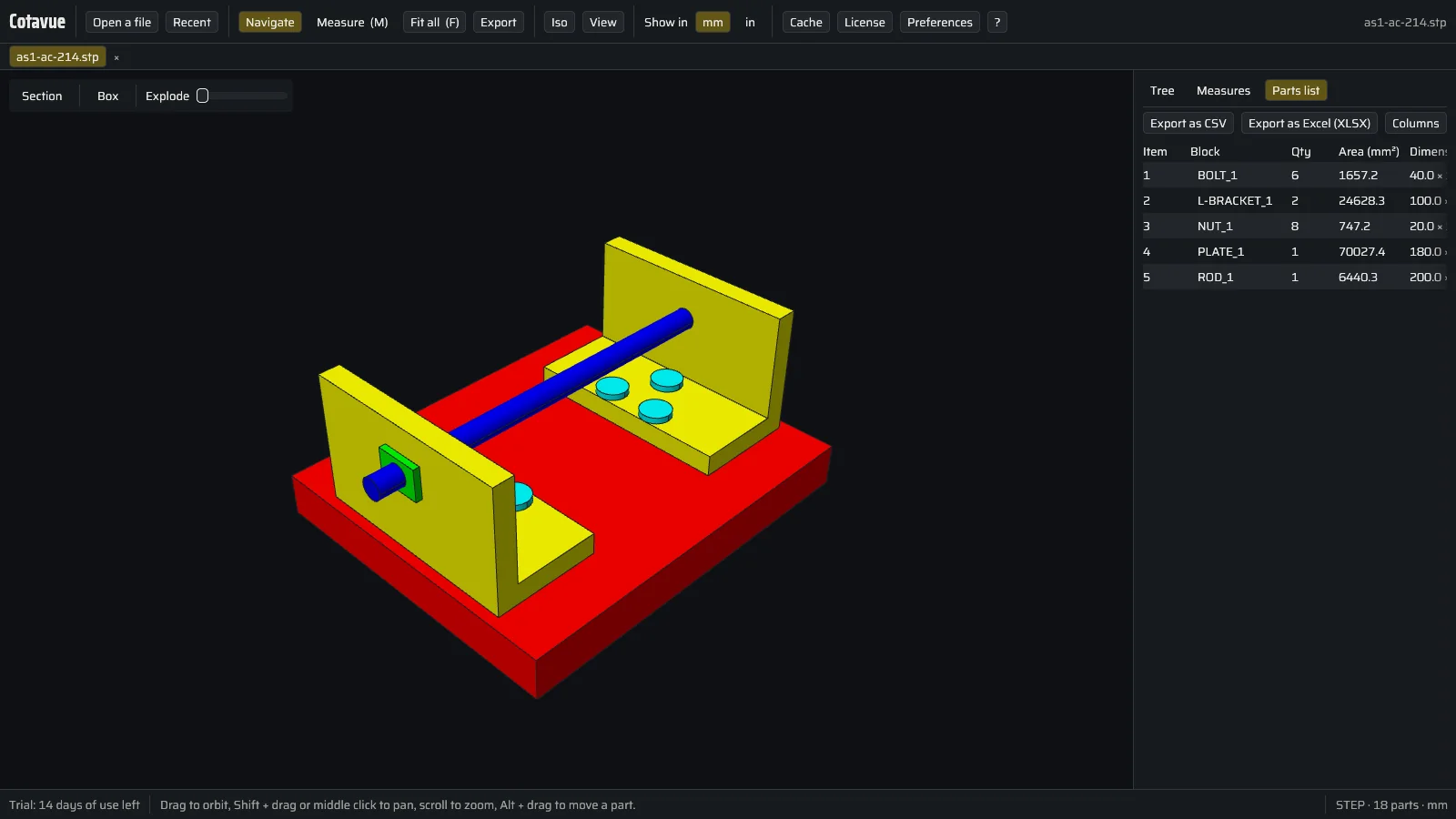
Measure, turn, list and explode, as in Cotavue. Each tab keeps a screenshot of the real software.
Measurements
Layers
Your drawing
The file stays on your computer. Simple preview: lines, circles, arcs and polylines; Cotavue reads everything else (DWG, layers, dimensions, texts, blocks).
See the screenshot of the real software
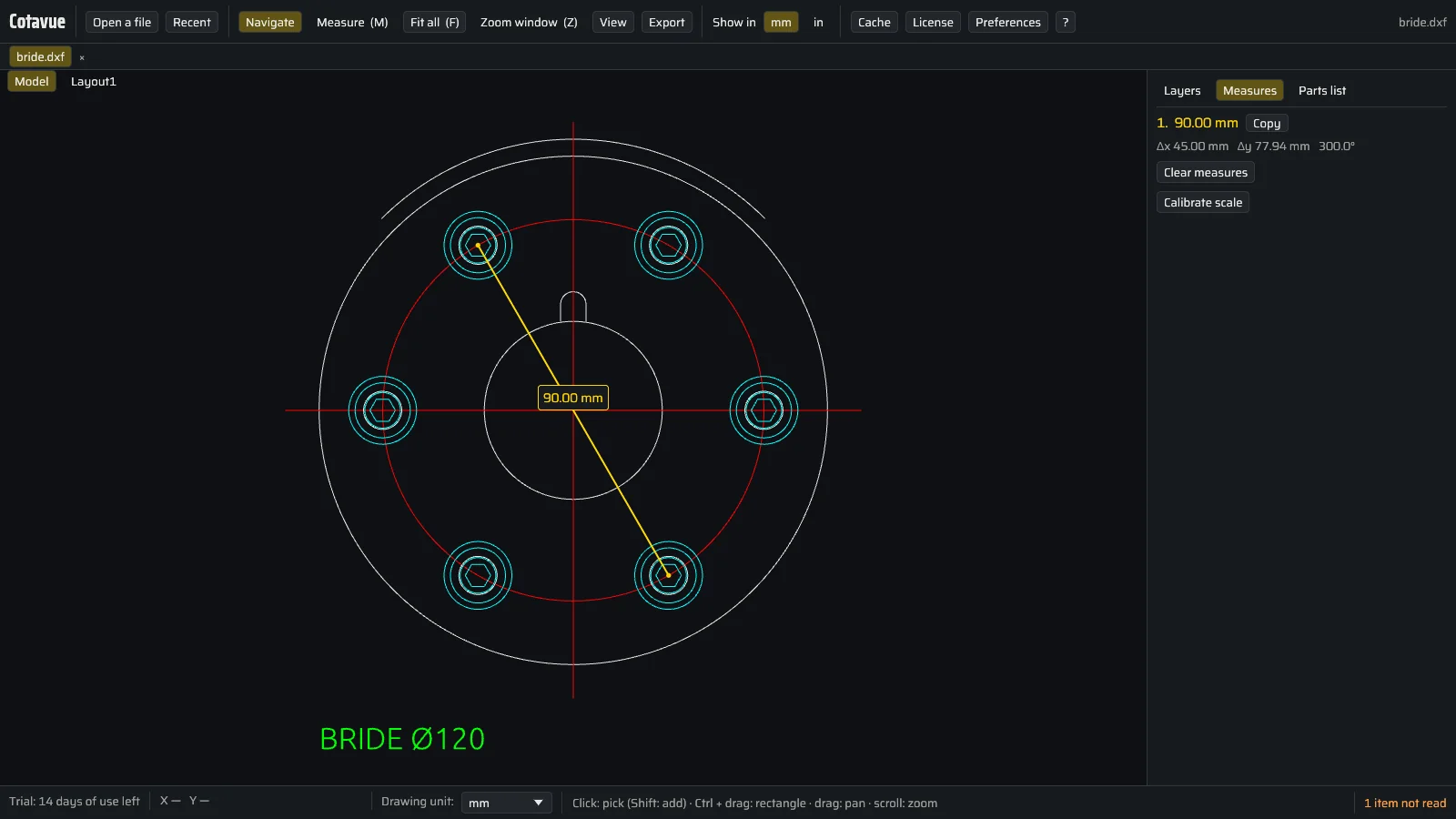
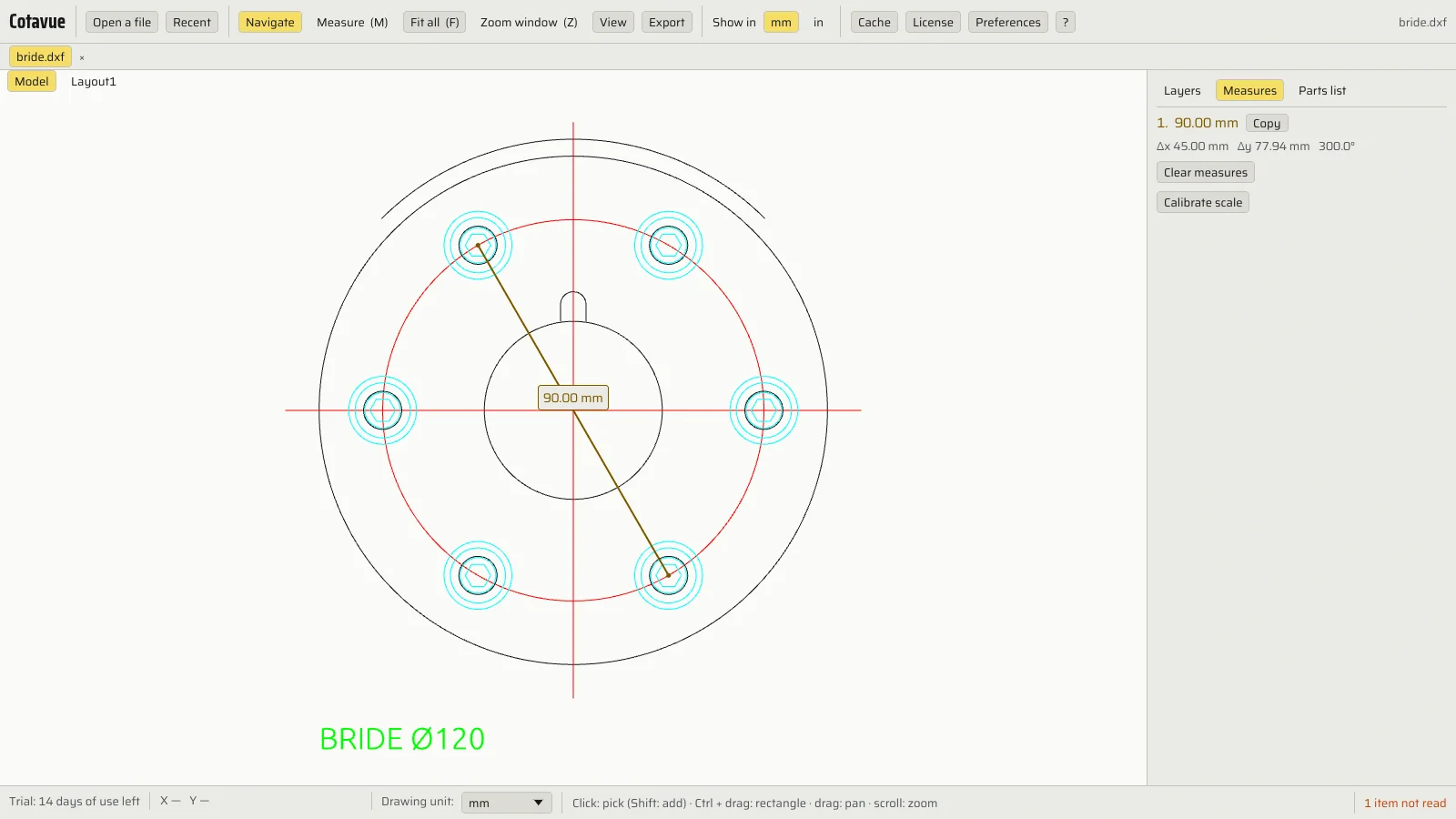
Measurements
Ready-made measurements
See the screenshot of the real software
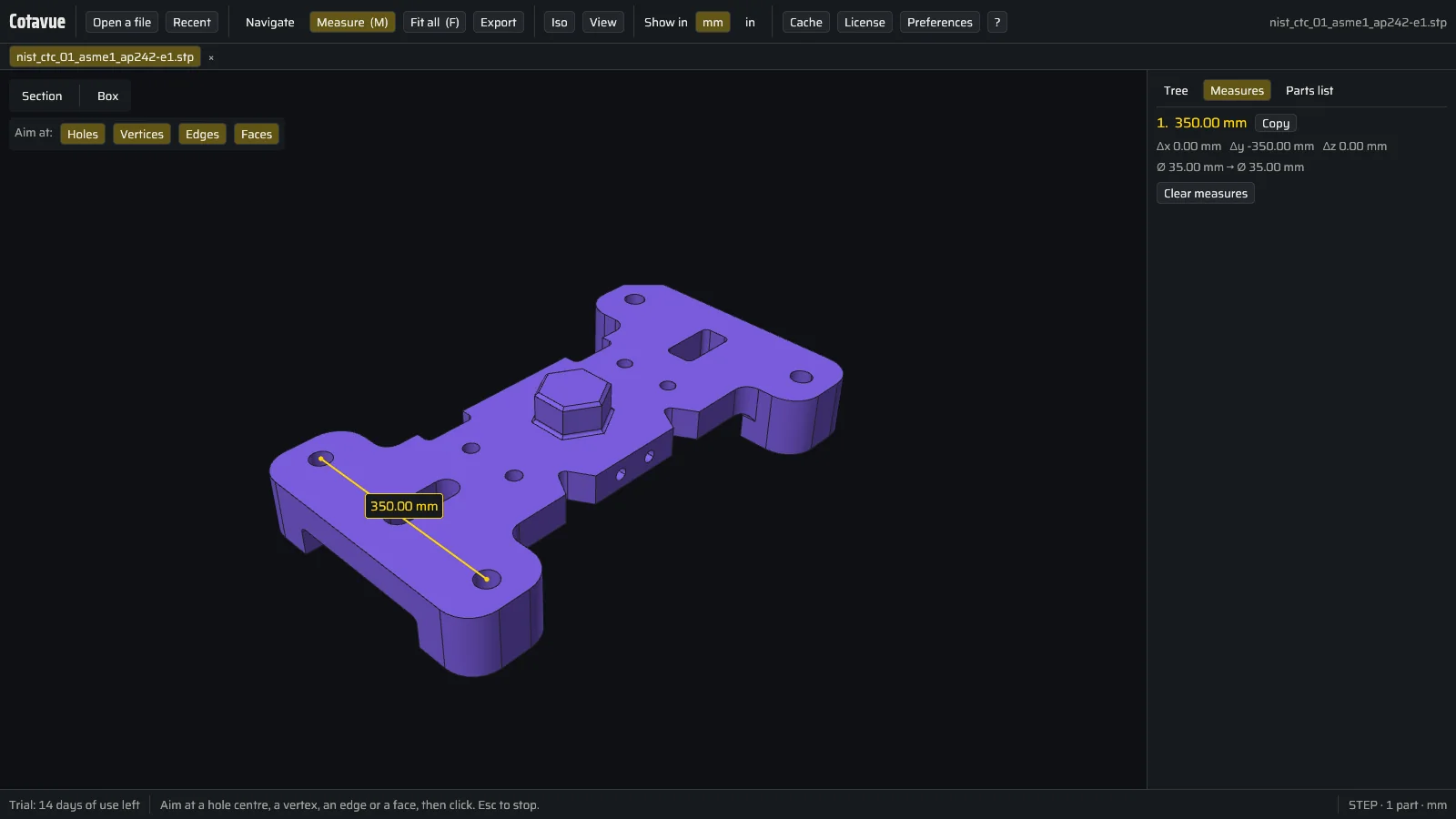
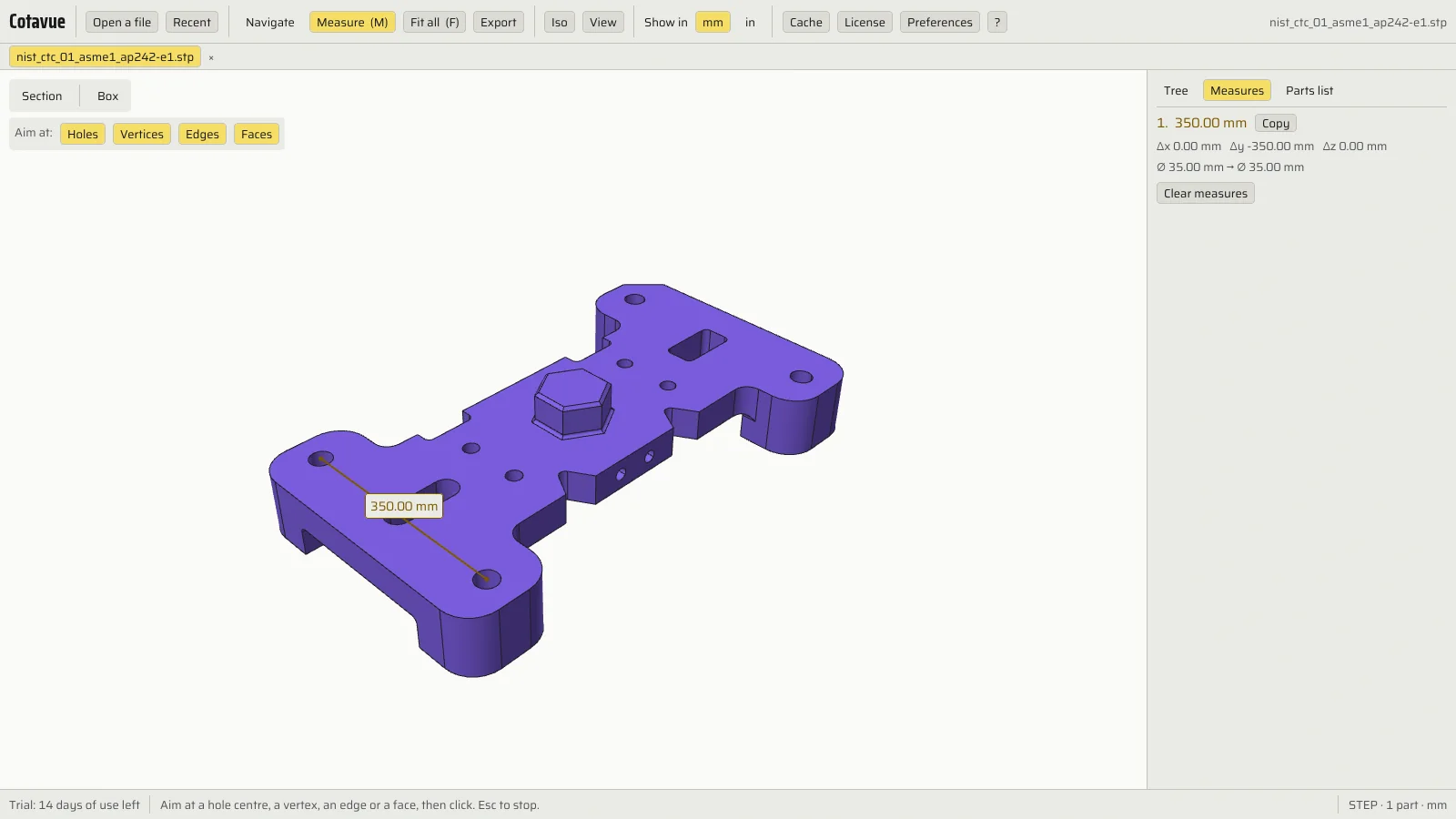
| Item | Part | Qty | Dimensions |
|---|
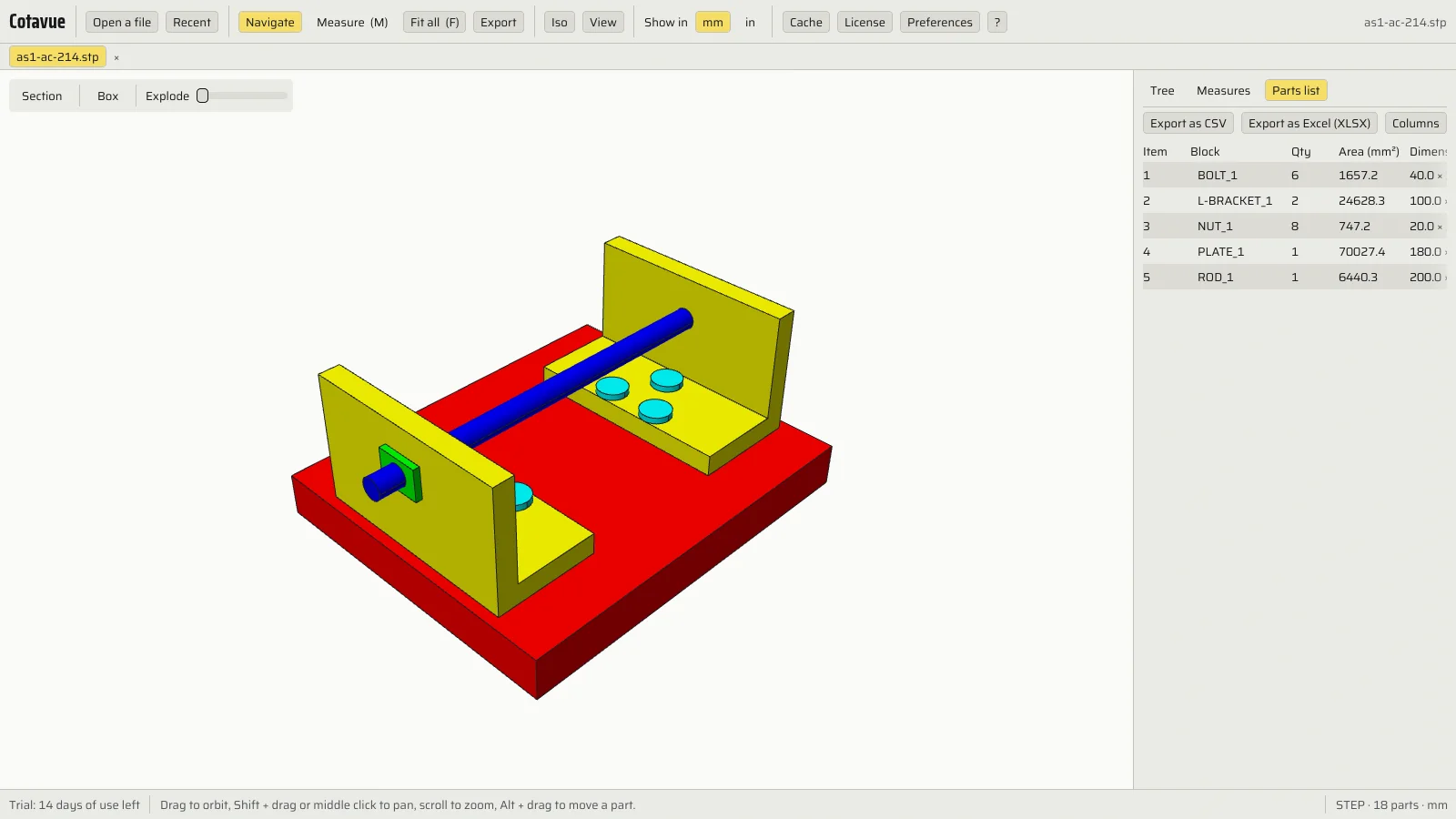
Click a row or a part: it stands out, the others fade.
See the screenshot of the real software
Explode
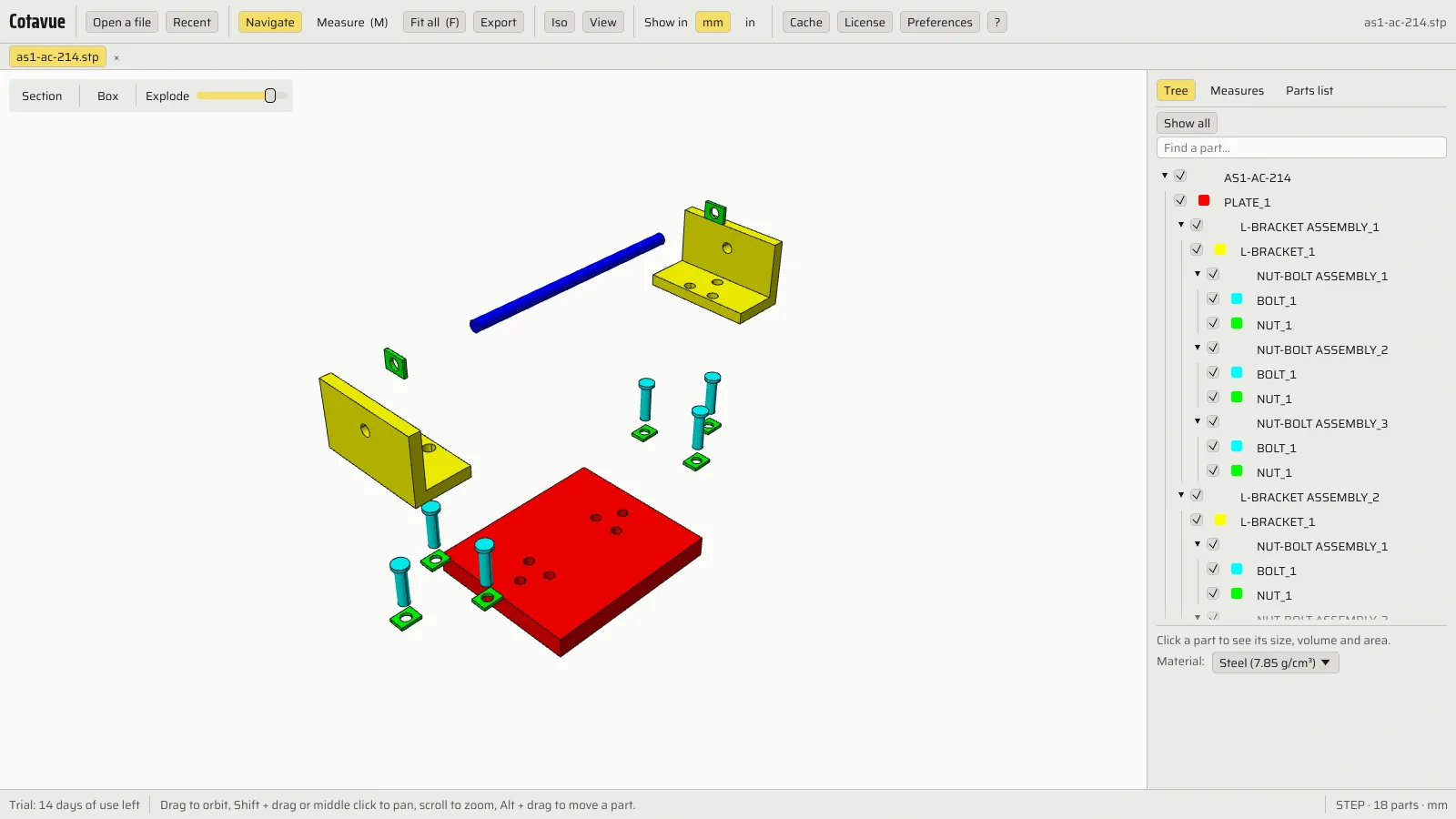
Drag the slider: the parts move away from their place.
See the screenshot of the real software
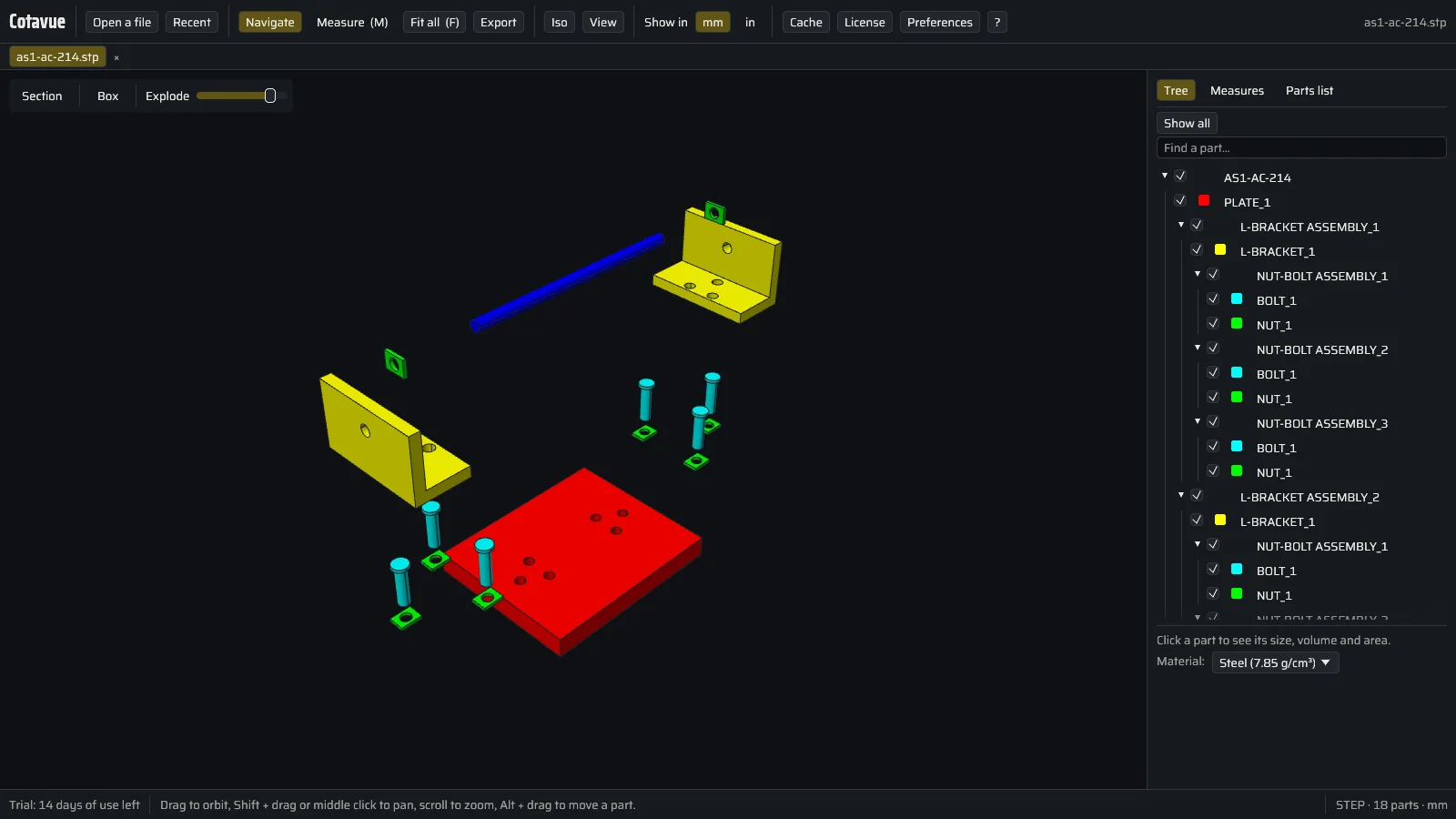
A demonstration in your browser, on a part drawn for this page; Cotavue does the same on your DXF, DWG, PDF, STEP, IGES or STL files.
Three steps, no more.
- Open
Double-click the file
From Windows Explorer. Cotavue opens the DXF, DWG or STEP file in a quarter of a second, with no sign-in screen.
- Measure
Click two points
The dimension appears with its unit, in millimetres or inches. The Esc key stops measuring.
- Export
Isolate, export
Keep a single layer or a single part on screen. Export the parts list, a PDF or an image if you need one.
What changes.
What Cotavue does differently, with a figure where there is one.
- 0 accounts
No account
Not for the trial, not afterwards. You paste a key once, that is all.
- angle · radius · area
Every measurement on the drawing
Distance, angle, radius, diameter, area, snapped to centres and intersections. The Measure tool is there from the start; millimetres or inches in one click.
- min · max
Measuring in 3D
Hole spacing, gap between two faces, minimum and maximum distance between two parts of an assembly.
- read / skipped
What opens, shows
If part of the drawing is unreadable, Cotavue shows the rest and tells you what it skipped.
- 200 MB
Built for large files
Drawings and assemblies of 200 MB tested with every version.
- 0.251 s
Open in a quarter of a second
Time to the first image, measured at every release on an ordinary desktop PC.
- 0 bytes
Your drawings stay with you
No upload, no cloud. Cotavue works offline.
- 2 clicks
Layers and parts
Hide, isolate or fade a layer or a part, then save the state to come back to it. "Show all" puts everything back.
- section
Section, transparency, exploded view
Cut through a 3D model, make parts transparent or explode the assembly to see inside.
- layouts
The sheets of the DWG
Model space and every layout of the drawing, with its viewports, in 2D as well as 3D views.
- A ⇄ B
Two revisions compared
Open two revisions of the same drawing: Cotavue shows what changed.
- scale
Calibrated scale
A drawing whose scale is wrong or unknown: calibrate it on a known dimension, and the measurements follow.
- tabs
Several files open
Each file in its own tab, to move from one drawing to the next without reopening anything.
- notes
Annotate and print
Add your annotations to the drawing, then print directly, or export to vector PDF, PNG or JPEG.
- CSV · Excel
Parts list
Counts of blocks and parts, ready for a spreadsheet.
- 13 formats
Drawings and models
DXF, DWG, PDF, SVG, HPGL in 2D; STEP, IGES, STL, OBJ, 3MF, glTF, PLY, OFF in 3D.
- DWG ⇄ DXF
Conversions
Drawing to DXF, DWG 2000 to 2018 or SVG; model to STEP, IGES, STL, OBJ, 3MF or glTF. The original file is never modified.
- FR · EN
In English or French
The software and its help in your language, in millimetres or inches.
Paid once. Nothing to cancel.
Full 14-day trial, counted in days of use, with no credit card: only the days you open Cotavue count. Refunded within 30 days, no questions asked.
€49.99Solo · excl. VAT, once · launch price
- Everything: 2D and 3D measurements, isolation, parts list, PDF and image export
- 1 person, 2 computers
- All 1.x versions included
VAT added at checkout · then €89.99 excl. VAT
What people ask us.
There are free viewers. Why pay?
Cotavue's Reader mode is free too. You pay once for what saves time: measuring on any file, isolating, exporting the parts list, with no account and offline.
What happens after the 14 days?
Cotavue switches to Reader mode. You still open all your drawings. Measurements, isolation and export need a licence.
Which DWG files open?
DWG from R13 to 2018 and later. Every version is tested on 117 real drawings from many trades and 160 test files: they all open. DWG files older than R13 are refused with a clear message.
Do I need an Internet connection?
No, never. The key is checked on your computer, with no connection and no account: Cotavue also works on computers that are never connected.
I am changing computers.
On the old computer, open "License" then "Remove the license from this PC". Then paste the same key into Cotavue on the new computer.
Can I edit a drawing?
No. Cotavue is a viewer: it opens, measures, exports and converts. A conversion writes a new file: the original is never modified.
Are my files sent anywhere?
No. Nothing leaves your PC.
What about Mac?
Windows first. macOS is planned later.
What if it does not suit me?
Write to us within 30 days: we refund you.